Editing Rejected Payments
If a payment you entered is rejected by an approver, you can edit and resubmit the payment.
 See the video
Note: Payments rejected through the Spot Trade and Drawdown workflows cannot be edited in Corpay Cross-Border. Please reach out to our support team for assistance.
To review and edit rejected payments
- On , under , click .
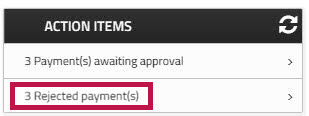
The page displays a list of rejected payments. Rejected Fast Track Payments display in the column.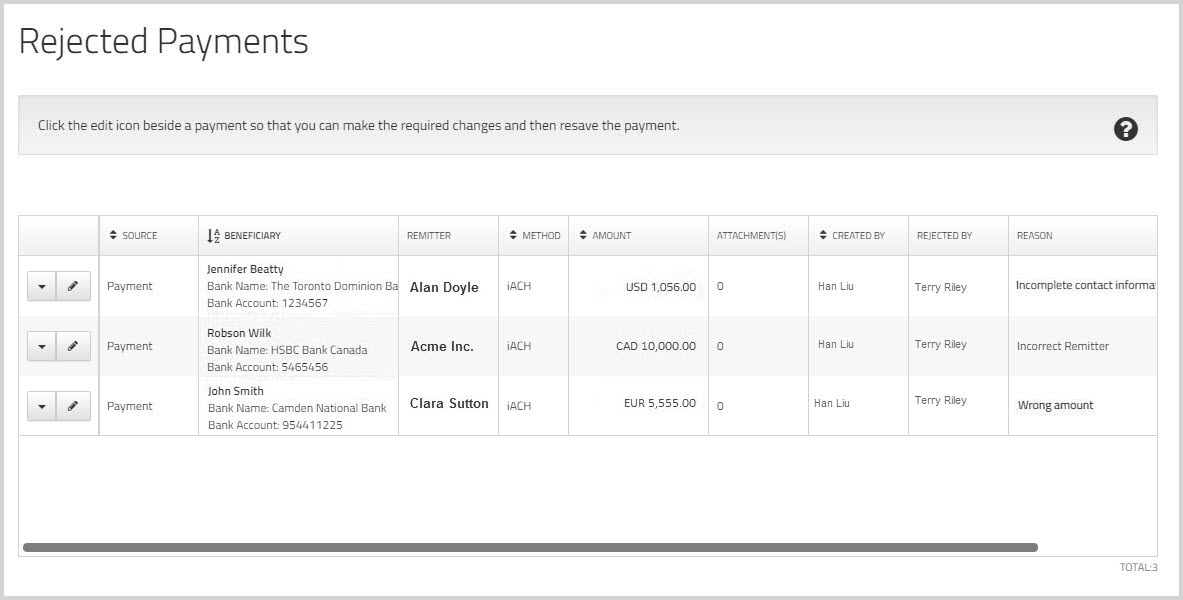
- Check the column to see why the payment was rejected.
- Click the
 edit icon beside the rejected payment.
 - Make the required changes and then click .
If the updated payment requires approval, it is added to the approval queue.